
Shipping Protection

Shipping Protection
Find it. Fast.
- Ships …If ordered within …
- Free 5–8 day deliveryNo customs fees · Netherlands
- iPhone & AndroidWorks with Apple Find My and Google Find Hub
- 30-day returnsPlus a 2-year warranty
Select your pack
Charges on any wireless (Qi) phone charger. No charger? The Buy 2, get 1 free pack includes one.
Complete your carry


More than 2350+ wallets protected.





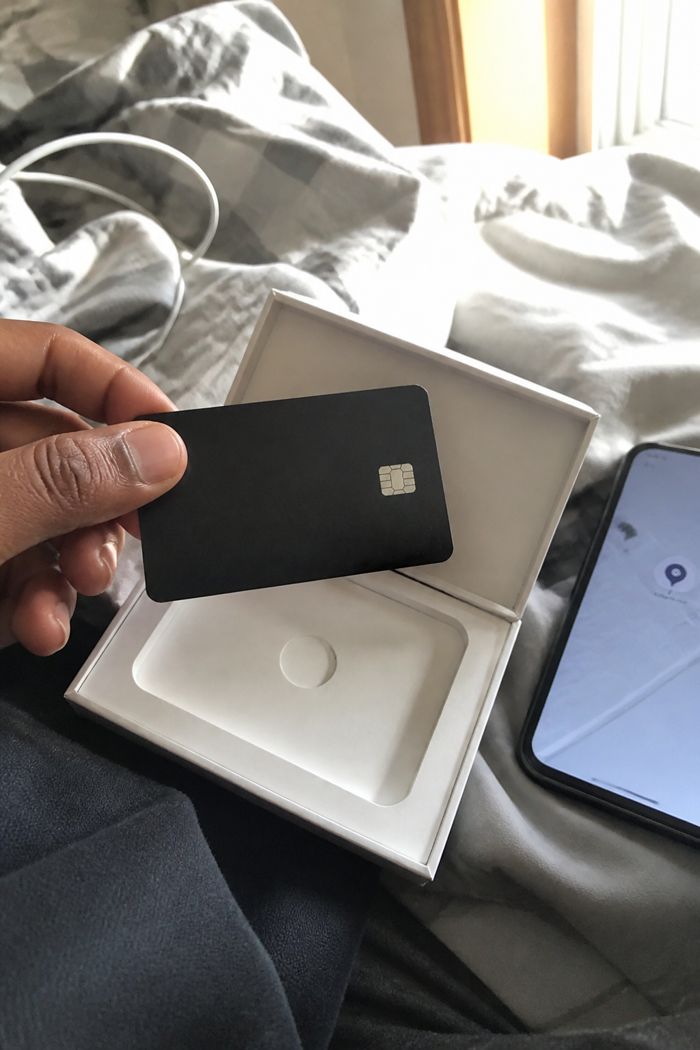

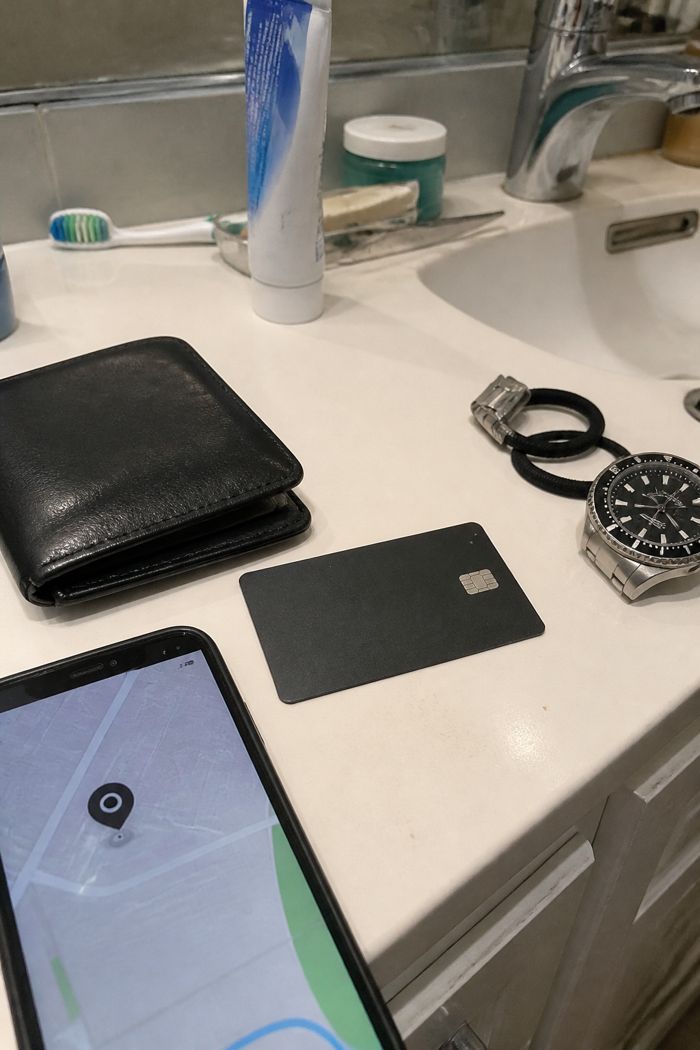

Product details
Optional cover for your parcel. If it's lost, stolen or damaged in transit, we reship or refund your order.
Shipping
Free shipping to the EU, UK, US, Canada, Australia and New Zealand. Orders leave our warehouse within 24 hours, every day, and arrive 5–8 working days after dispatch. No customs fees on delivery: we cover import duties and taxes. You get a tracking link by email as soon as your order ships. Shipping policy
Phone compatibility
iPhone: works with Apple Find My on iOS 14.5 or newer (iPhone 6s / SE and newer).
Android: works with Google Find Hub on Android 9 or newer with Google Play services.
Each card works with one network (Find My or Find Hub), and one phone can track several cards. Not sure? Use the phone check above.
Returns & warranty
30-day returns: changed your mind? Send it back within 30 days of delivery for a refund (return shipping is on you unless the item is faulty).
2-year warranty: if it stops working through normal use, we replace it.
EU customers also keep their 14-day right of withdrawal and the 2-year legal guarantee. Return policy
The Technikal range
Complete your carry.
Accessories made to carry the Smart Card Finder. Add them to your order.

-
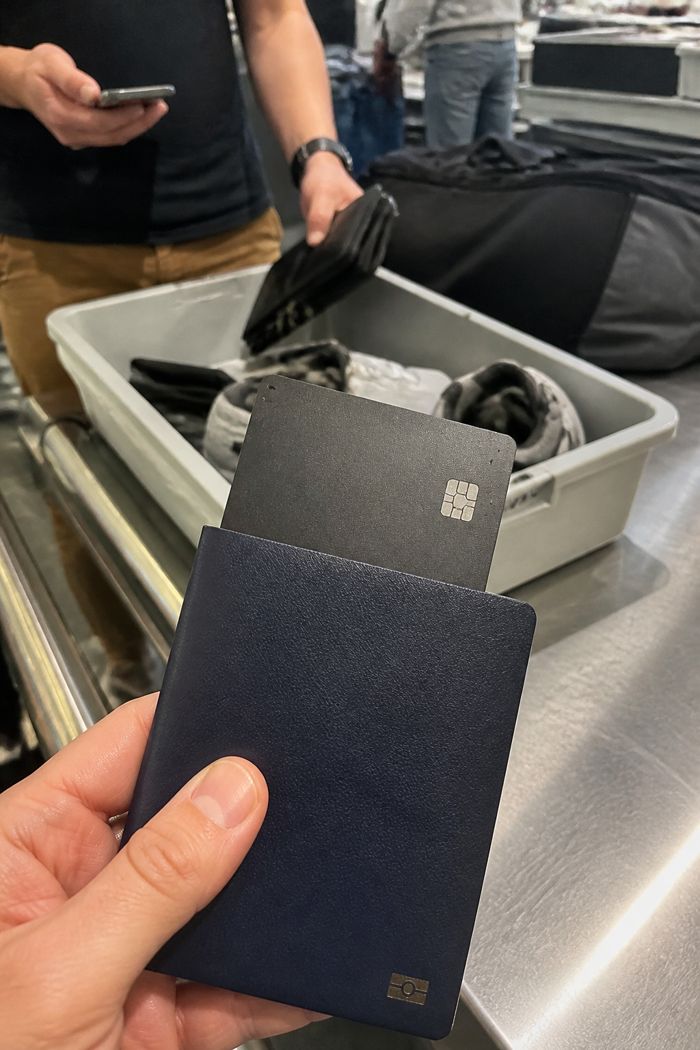
 Passport HolderPut a finder in it and your passport shows up on the map.€29,95 · 4 colours
-
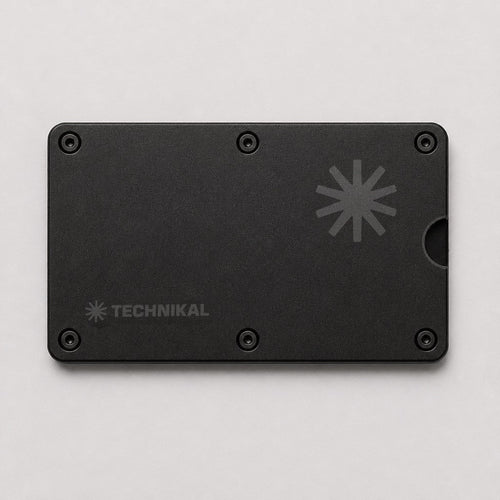
 Metal Card HolderTwo metal plates, six screws, room for the finder.€39,95 · 5 colours
-
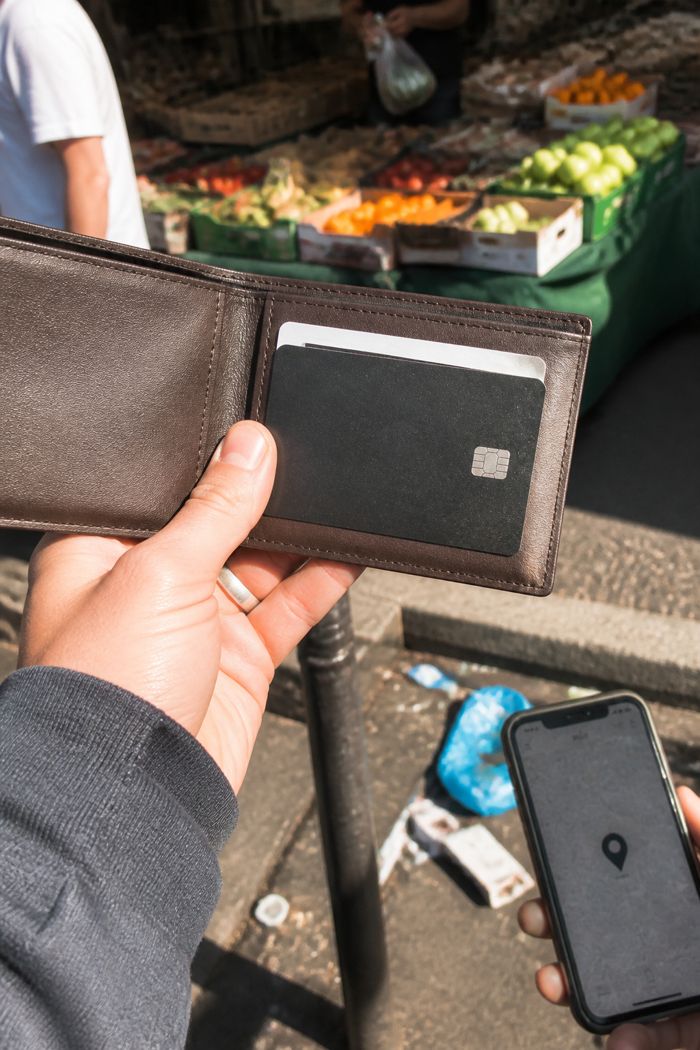
 Quick WalletThe slim everyday bifold with a slot for the finder.€29,95 · 4 colours
-
 Free with 2 cards
Wireless Charging DockLay the finder on it overnight. Full in about 2.5 hours.€31,95
Free with 2 cards
Wireless Charging DockLay the finder on it overnight. Full in about 2.5 hours.€31,95


Every accessory arrives in a Technikal kraft box.
— Setup
Set up in 60 seconds
-
1 Open Find MyThe app that's already on your iPhone.
-
2 Tap "Add Item"Hold the card's button for 5 seconds until it beeps.
-
3 Choose "Other Supported Item"Your card shows up in the list.
-
4 Tap "Agree"The card is now linked to your Apple Account. Give it a name, like Wallet.
-
5 DoneSee it on the map and play a sound whenever you need it.
-
1 Open Find HubGoogle's app for finding your things. Free on Google Play if it's not on your phone yet.
-
2 Tap "Connect"Hold the card's button for 5 seconds until it beeps. It pops up on your screen.
-
3 Tap "Agree and continue"Accept Google's short note about using trackers responsibly.
-
4 Tap "Open app"The card is now linked to your Google account.
-
5 DoneSee it on the map and play a sound whenever you need it.
Charge it once on any wireless charger first.
Everyday carry
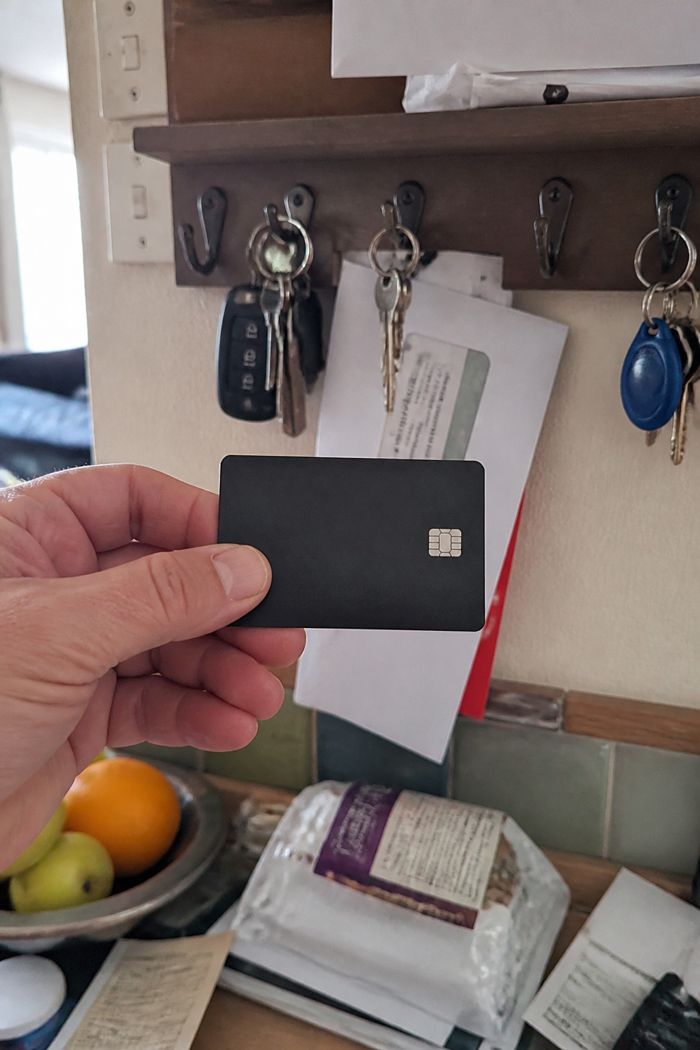
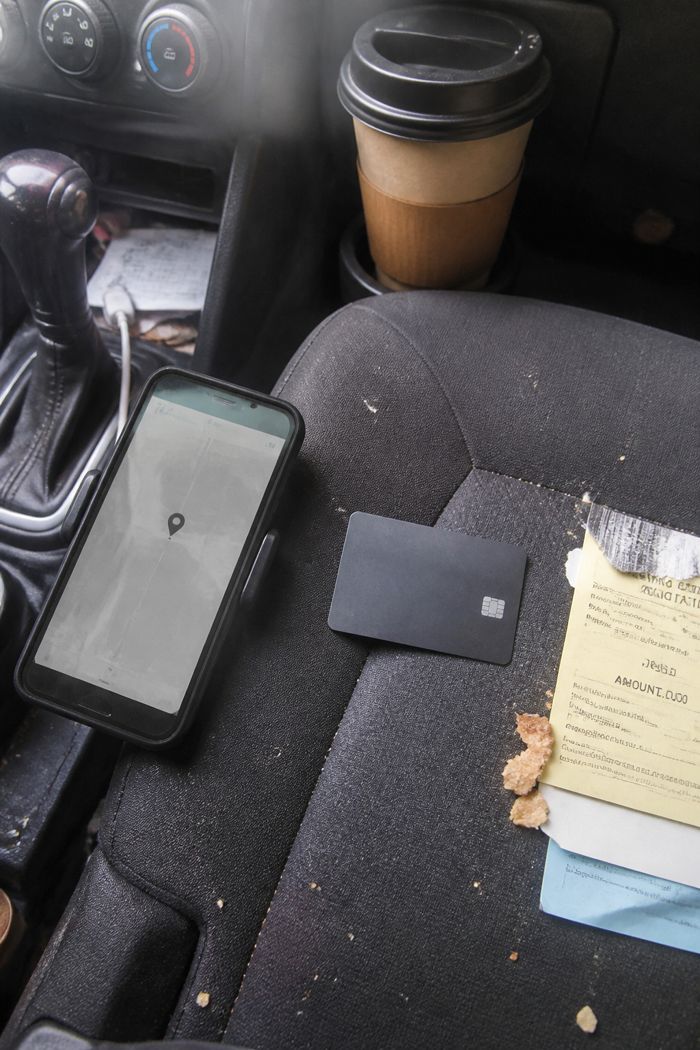
Made for the things you can't lose
Wallet, bag, passport. Know where they are.
iPhone or Android
Works with Apple Find My and Google Find Hub. No extra app.
Fits like a card
Same size as the cards in your wallet. Nothing on your keys.
Ring it
Under the sofa or deep in a bag? Play a sound from your phone.
Wireless charging
About 2.5 hours to charge, then up to 6 months of battery. No batteries to swap.
— How it works
Left it behind? Here's what happens.
- 01 You leave it behind Your wallet stays on the chair.
- 02 Phones nearby spot it Passing phones in the Find My or Find Hub network relay its location. Encrypted, only you see it.
- 03 It shows on your map Open Find My or Find Hub: last seen at the restaurant.
- 04 Ring it. Found. Go back, play a sound, follow it to the chair.
Never lose it again
The card that lives in your wallet and answers when you call.
How we compare
Technikal Card vs. a key-ring tag
Same networks. Built for the place you actually lose things: your wallet.
 Technikal Card
Typical tag
Technikal Card
Typical tag


Frequently asked questions
Everything you need to know before you order: phones, battery, setup and delivery.
Does it work with my phone?
iPhone: Apple Find My on iOS 14.5 or newer. Android: Google Find Hub on Android 9 or newer with Google Play services. Use the phone check on this page to be sure.
How do I charge it?
Lay it on any wireless (Qi) phone charger. A full charge takes about 2.5 hours and lasts up to 6 months, and your phone tells you when the battery is low. No wireless charger? The Buy 2, get 1 free pack includes a free wireless charging dock.
How do I set it up?
Press and hold the button for 5 seconds until it beeps, then add it in Find My (iPhone) or Find Hub (Android). It takes about a minute.
Can I use it with iPhone and Android at the same time?
Not on the same card: each card works with either Apple Find My or Google Find Hub. You can reset it to switch later (the user guide shows how). One phone can track as many cards as you like.
Does it use GPS?
No. It shows up on the map through the Find My or Find Hub network: nearby phones anonymously report where it is. No subscription needed.
How long does delivery take, and what if I don't like it?
Orders leave our warehouse within 24 hours, every day, and arrive 5–8 working days later with tracking by email. No customs fees on delivery. You can return it within 30 days, and there's a 2-year warranty.
Can someone track me with it?
It's made to find your own things. Apple Find My and Google Find Hub both alert people when an unknown tracker is moving with them, so a card can't be used to follow someone unnoticed. Tracking a person without their consent is illegal.
Most loved

— Everyday carry
Peace of mind in your pocket.
Your essentials, always within reach. Smart Card Finder keeps track of your wallet so you can focus on what's next.
What's in the box
-

Smart Card Finder
-
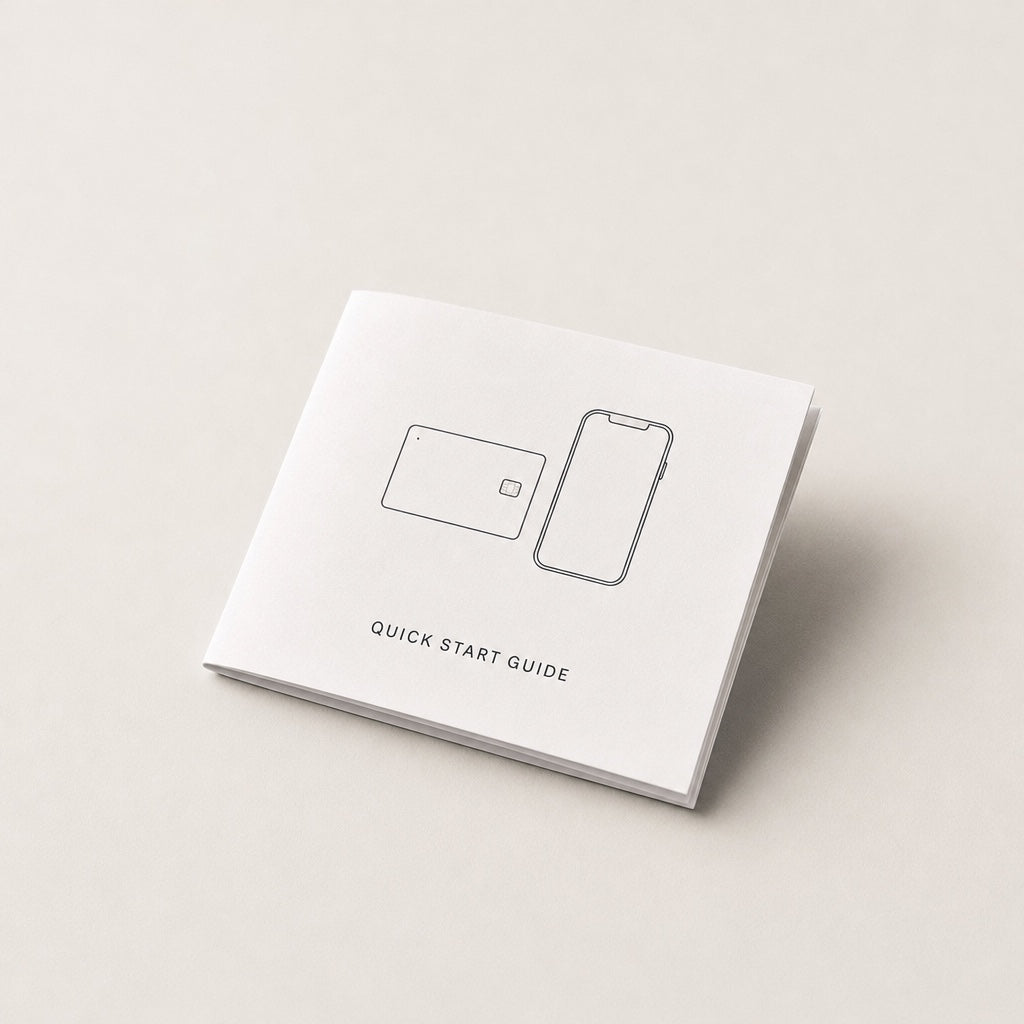
User guide
